

Transfer Campaign Members
Introduction
Section titled “Introduction”- Oh, what a glorious time during Salesforce Classic when you could easily sync campaign members to Pardot lists.
- With the rise of Salesforce and Pardot Lightning, this feature went extinct, and I know how much people miss this feature.
- Lucky you! We brought it back!
Functionality
Section titled “Functionality”- By clicking the Add To Pardot List button on your campaign record, you open the modal to transfer all campaign members of that campaign to selected Pardot lists.
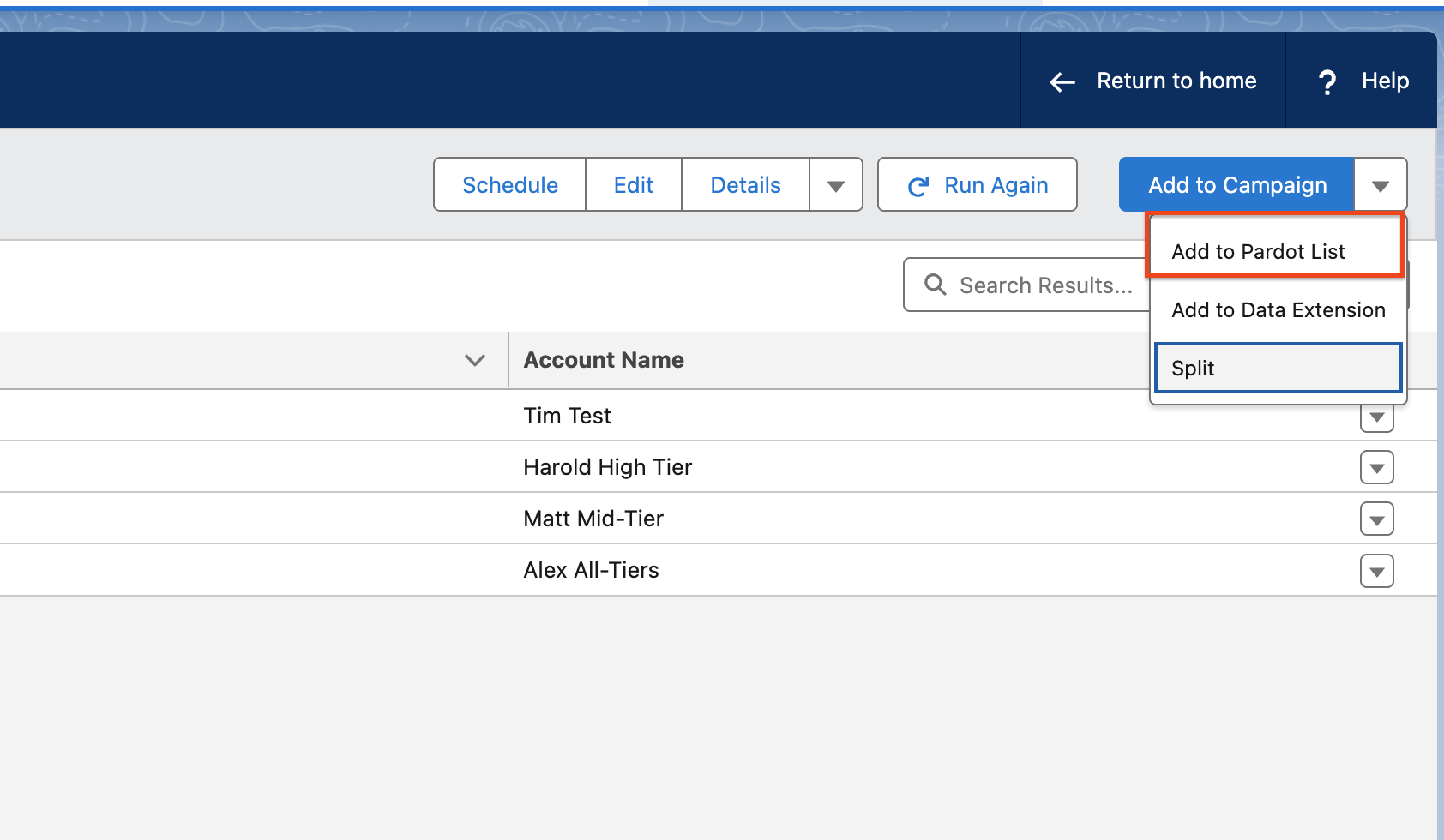
- You can look up all static Pardot lists using the Lists Search Bar.
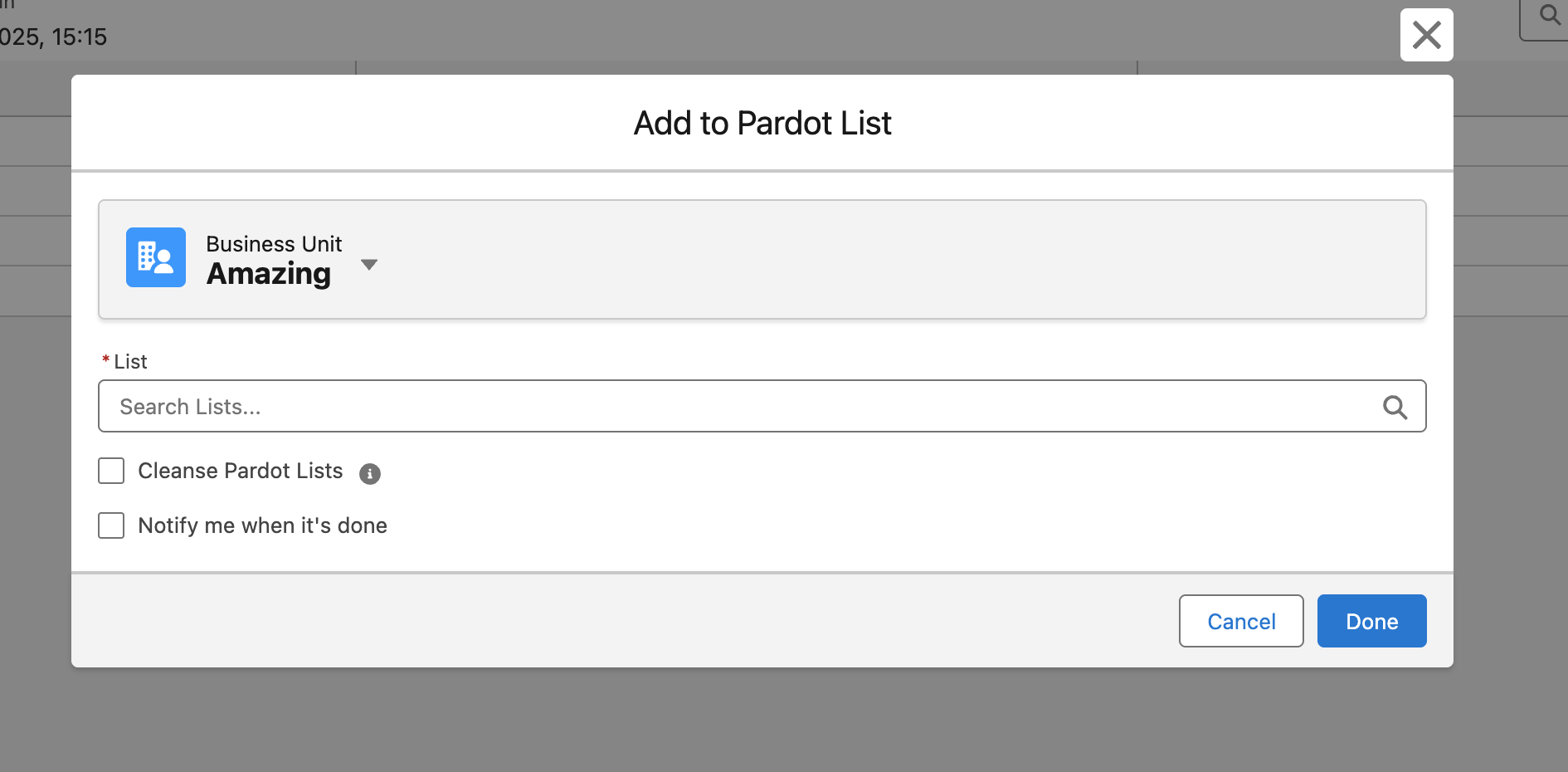
- Select a list by clicking the list name.
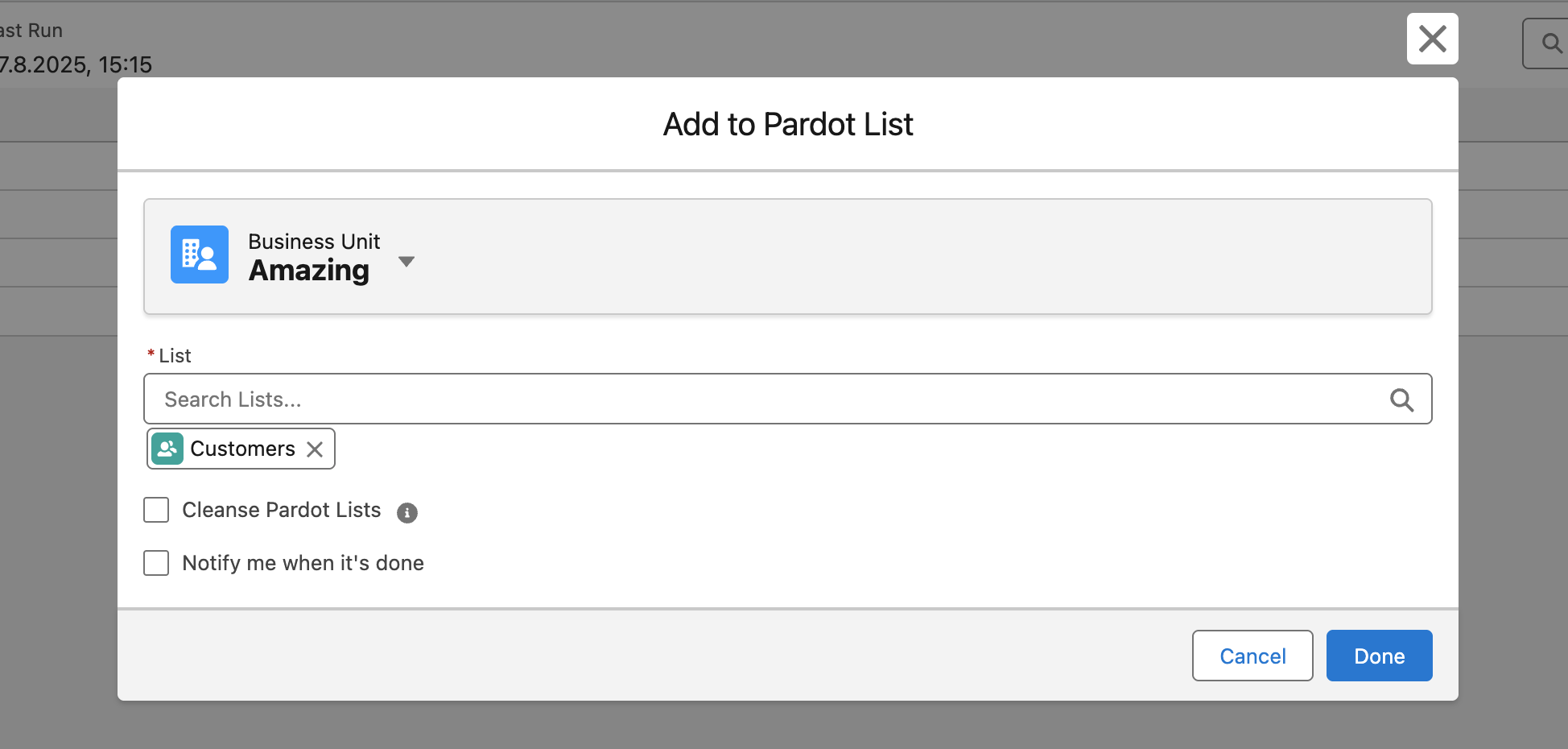
- Once you’ve selected all lists you want to add your campaign members to, you can hit Confirm to finish the data transfer to Pardot.
- Optionally you can tick the “Notify me when it’s done” checkbox to receive a Salesforce notification once the data is transferred.
Technical Details
Section titled “Technical Details”Data Transfer Speed/Method
- There’s a batch job running every 15 minutes to initiate the data transfer, so it’s not real-time.
- You can always check the status in the Import Job History of the Pardot Integration Hub.
Pardot Record Creation
- If there are campaign members that don’t yet have a related Prospect record in Pardot, the interface will automatically create that Prospect record and then add it to the selected List(s).
- No more inconsistencies between your campaign members and the prospects in your Pardot Lists.
- All you need to do is add the Add To Pardot List button to your campaign record.
- Depending on whether you are using standard page layouts or Dynamic Actions on your Lightning Page Builder, you need to add the button.
- Using Dynamic Actions, you can also hide this button for users that don’t have sufficient permissions so they are not confused.
Permissions Needed
Section titled “Permissions Needed”- To enable your users to use this feature, they need to be set up as CAB Users, and their users need to be authenticated for the CAB-Pardot Interface.
Available Editions
Section titled “Available Editions”- Professional, Ultimate