

Scheduling Hub
Introduction
Section titled “Introduction”- We redesigned the Schedule feature from scratch. Previously, you could only schedule your audiences in the context of campaigns.
- However, our automation capabilities should also benefit other actions, like Flow/Apex Integration or the newly released Marketing Cloud Integration.
- Therefore, we’ve expanded the Scheduling functions.
Functionality
Section titled “Functionality”- The Schedule setting is now a 2-step process.
- In the first step, you define your schedule’s date/time/frequency details (nothing changed here).
- The second step now gives you a multi-tab menu to access the different action options (Campaigns, MC Data Extensions, Flow/Apex).
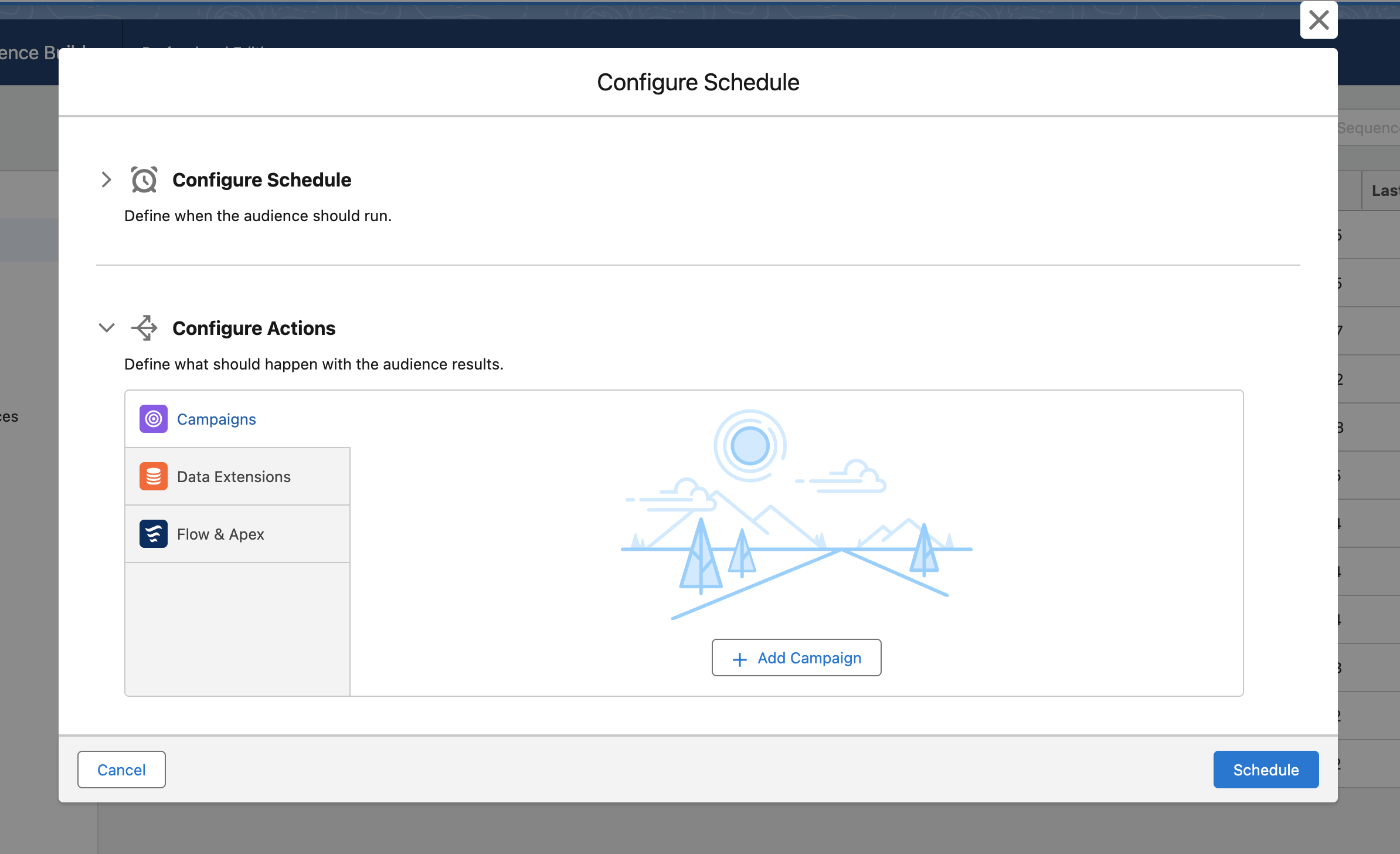
- Define all actions that should be executed in the selected frequency and hit schedule.
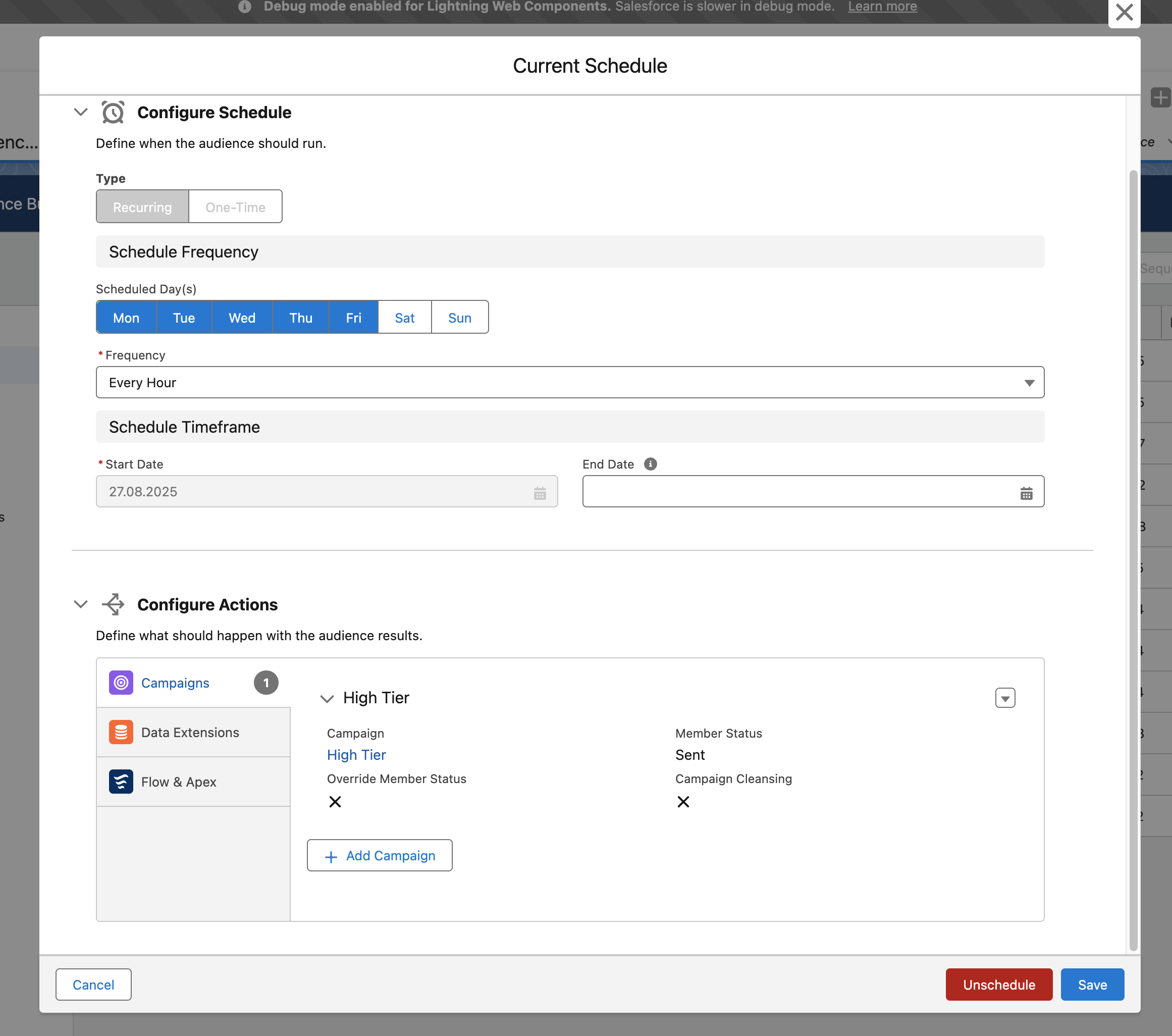
- Once scheduled, you can always cancel/remove single actions or unschedule it globally.
Note
Available Editions
Section titled “Available Editions”
- Professional, Ultimate