

Export results in the format your downstream work needs
Take results with context
The results-table download action now opens a configurable export instead of assuming one CSV format. Choose the file type, encoding, columns, and—when using Excel—whether to include the audience definition and run metadata.
Excel · CSV · Permission controlled
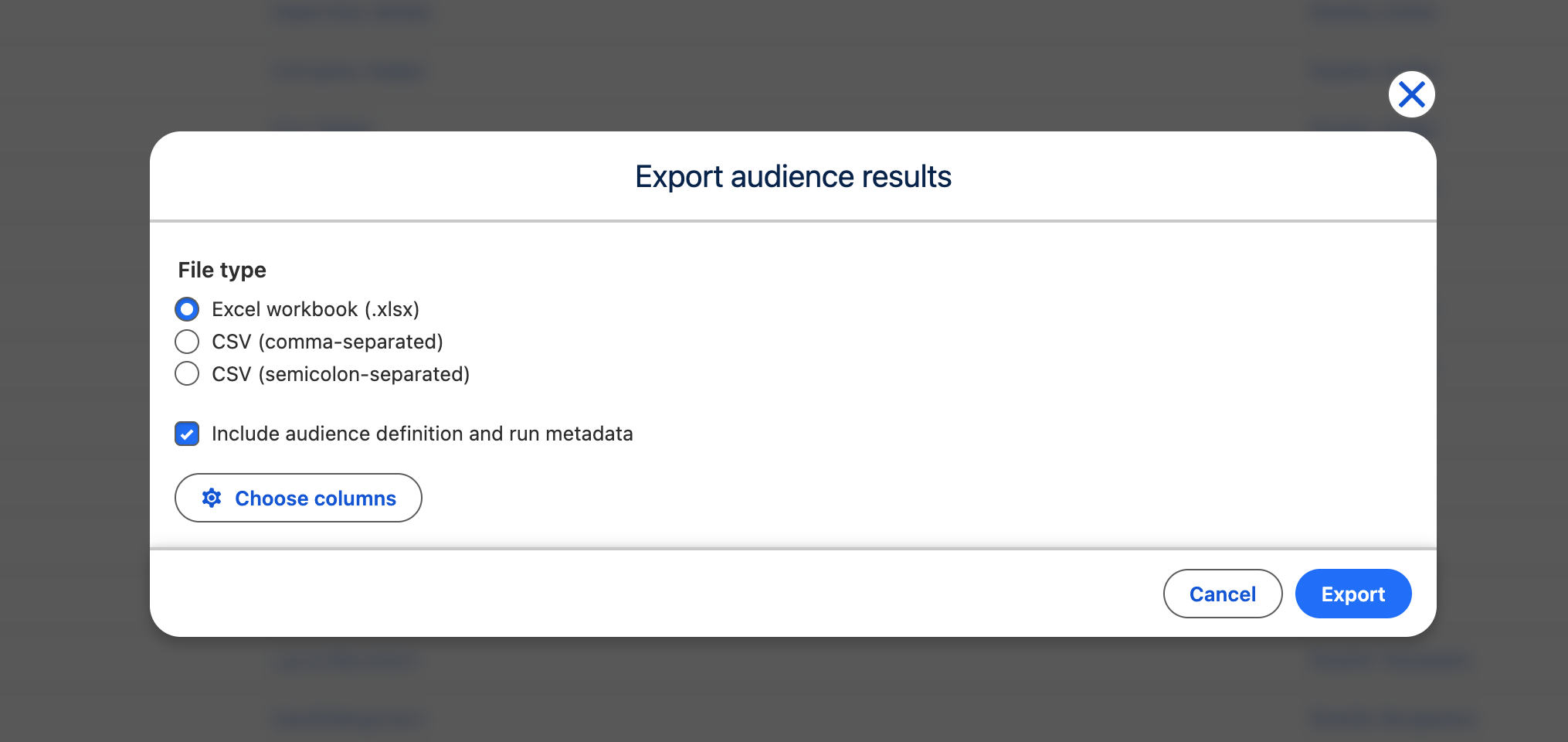
Export audience results
Section titled “Export audience results”- Run an audience and open its results table.
- Select the download icon titled Export audience results.
- Under File type, choose Excel workbook (.xlsx), CSV (comma-separated), or CSV (semicolon-separated).
- For CSV, choose Encoding: UTF-8, UTF-8 with BOM (recommended for Excel), or Windows-1252 / Latin-1 (legacy Excel).
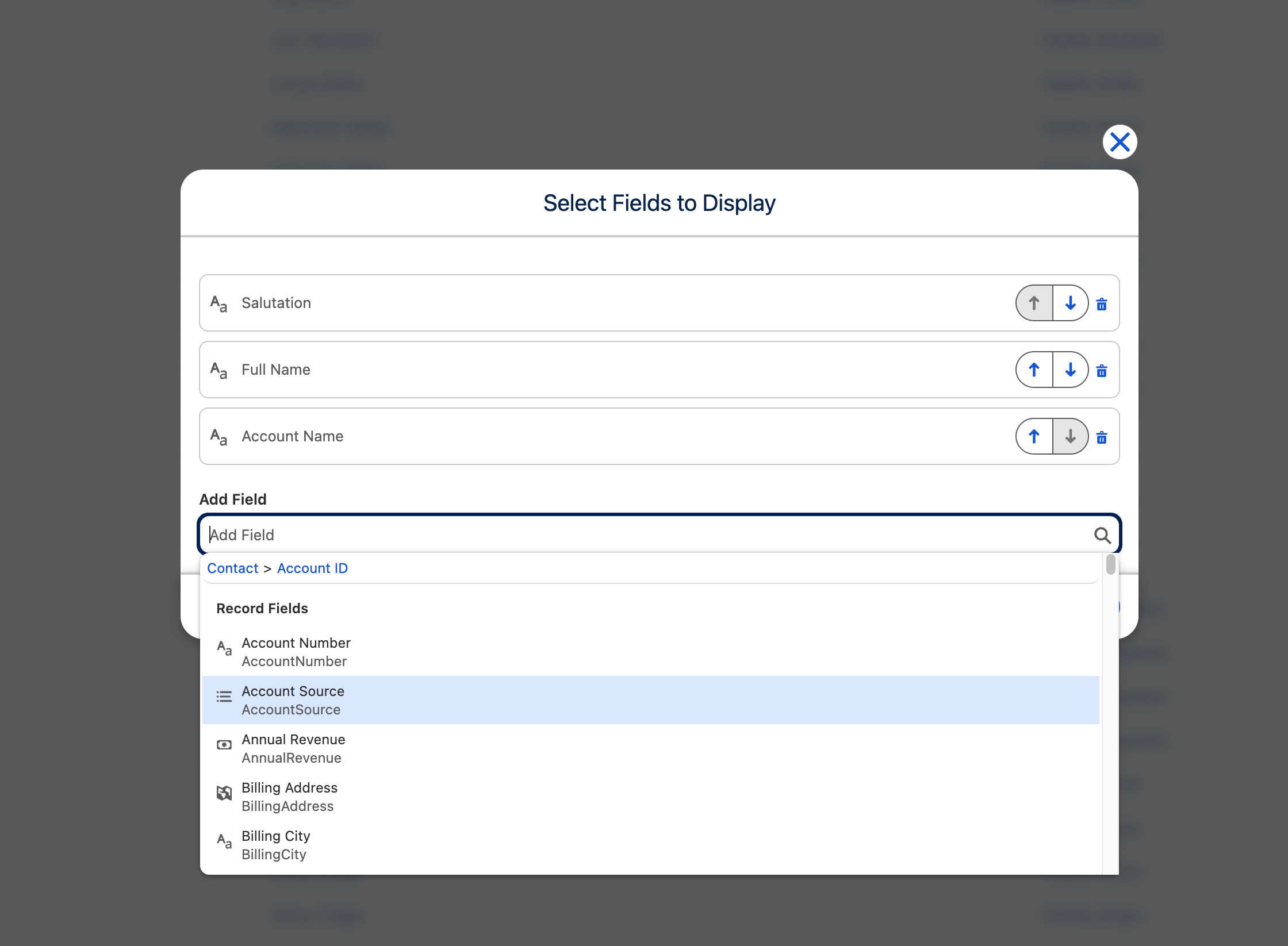
- Use Choose columns, then select Export.
Excel exports can include Include audience definition and run metadata. The workbook then contains Results and Definition sheets, including the run context, filter logic, Filter Library references, and combination or waterfall structure.
Useful format choices
Section titled “Useful format choices”- Use Excel when another person needs both data and a readable definition.
- Use UTF-8 with BOM when a CSV will be opened directly in desktop Excel.
- Use semicolon-separated CSV for locales or systems where comma is a decimal separator.
- Use Choose columns to avoid exporting fields the recipient does not need.