

Schedule combination and waterfall sequences
Automate sequences
Sequences can now run on a recurring schedule instead of requiring a person to start each one. They use the familiar scheduling workflow and preserve the way each sequence type calculates its result.
Combination · Waterfall · Scheduler setup
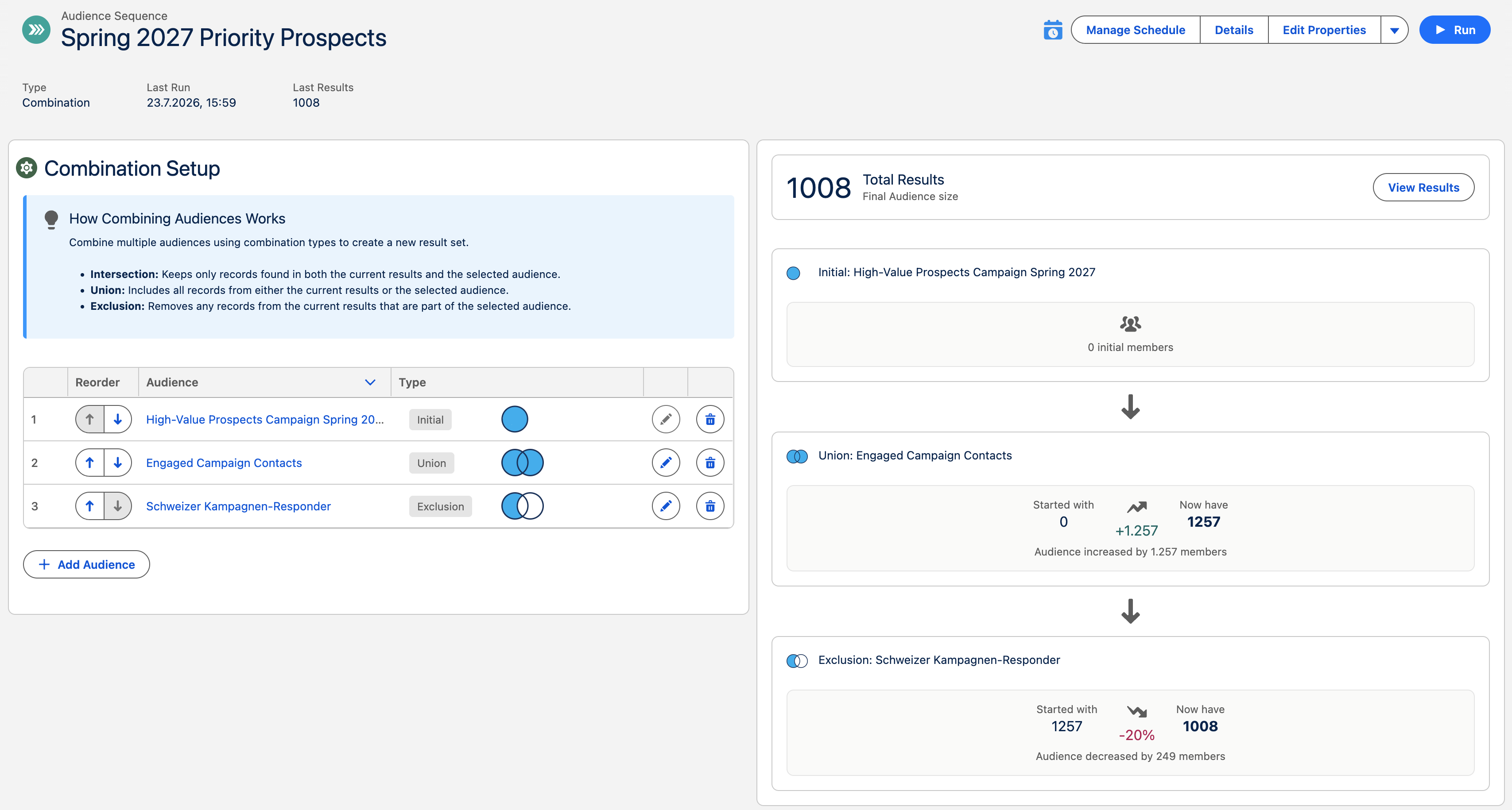
Schedule a sequence
Section titled “Schedule a sequence”- Open a combination or waterfall sequence.
- Select Schedule in the sequence header. Once a schedule exists, the same action reads Manage Schedule.
- Choose the cadence and configure scheduled actions in the standard Schedule Audience wizard.
- Save the schedule. The header shows its active or planned state just as it does for a standalone audience.
For a combination, actions receive the final combined result. For a waterfall, actions use the adjusted segment produced at each step after earlier steps have taken their members. Shared components are built once when sequence schedules are due together.
When change approval blocks a sequence
Section titled “When change approval blocks a sequence”A pending change-approval decision pauses the scheduled sequence before its actions continue. Rejecting a sequence run—or a waterfall component decision within that run—discards the remaining held actions and blocks the schedule-owning sequence until it is resumed manually.
The sequence header replaces its normal schedule icon with a warning. The assigned approver or a CAB administrator can select Resume scheduled audience from that warning, or open Manage Schedule and select the same action in the blocked-schedule warning. Both routes ask for confirmation with Resume scheduled audience?; other users see the blocked state but cannot resume it. Resuming starts the next due sequence run from fresh data. It does not replay the rejected run or its component actions, and a continuing anomaly can require approval again.
See Review large membership changes before actions run for the decision and resume workflow.
Before you start
Section titled “Before you start”- Your CAB edition must include sequences and scheduling.
- The audience scheduler must be running.
- Platform Cache must be available for sequence result reuse.